How to Complete Your Profile in the Show App
How to be found by buyers, in person and in the app. 10 steps to setting up your physical and virtual booths.
Your Exhibitor Resource Center (ERC)
The behind-the-scenes hub to set up your physical booth.
- Log in: Click here
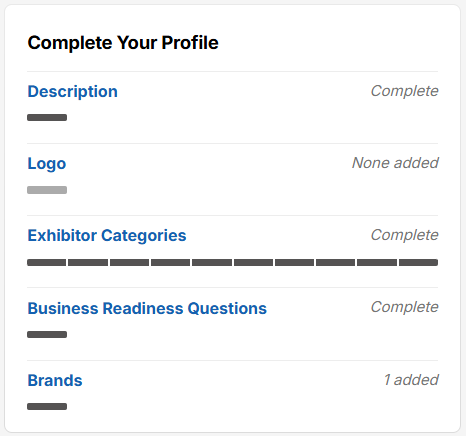
- Complete your profile: Click into all pages (Description, Logo, Exhibitor Categories, Business Readiness Questions, and Brands) and add your info to make it easy for the right buyers to find you.
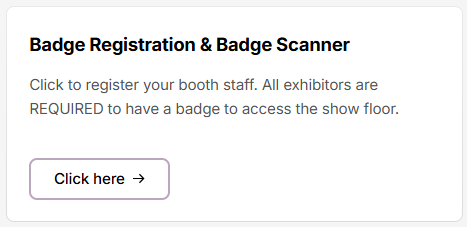
- Register your team
- Order your Badge Scanner
- Submit your forms: Use the ERC to complete important COI and sampling requirements, buy sponsorships, and order your lead scanner.
Your Exhibitor Marketing Center (EMC)
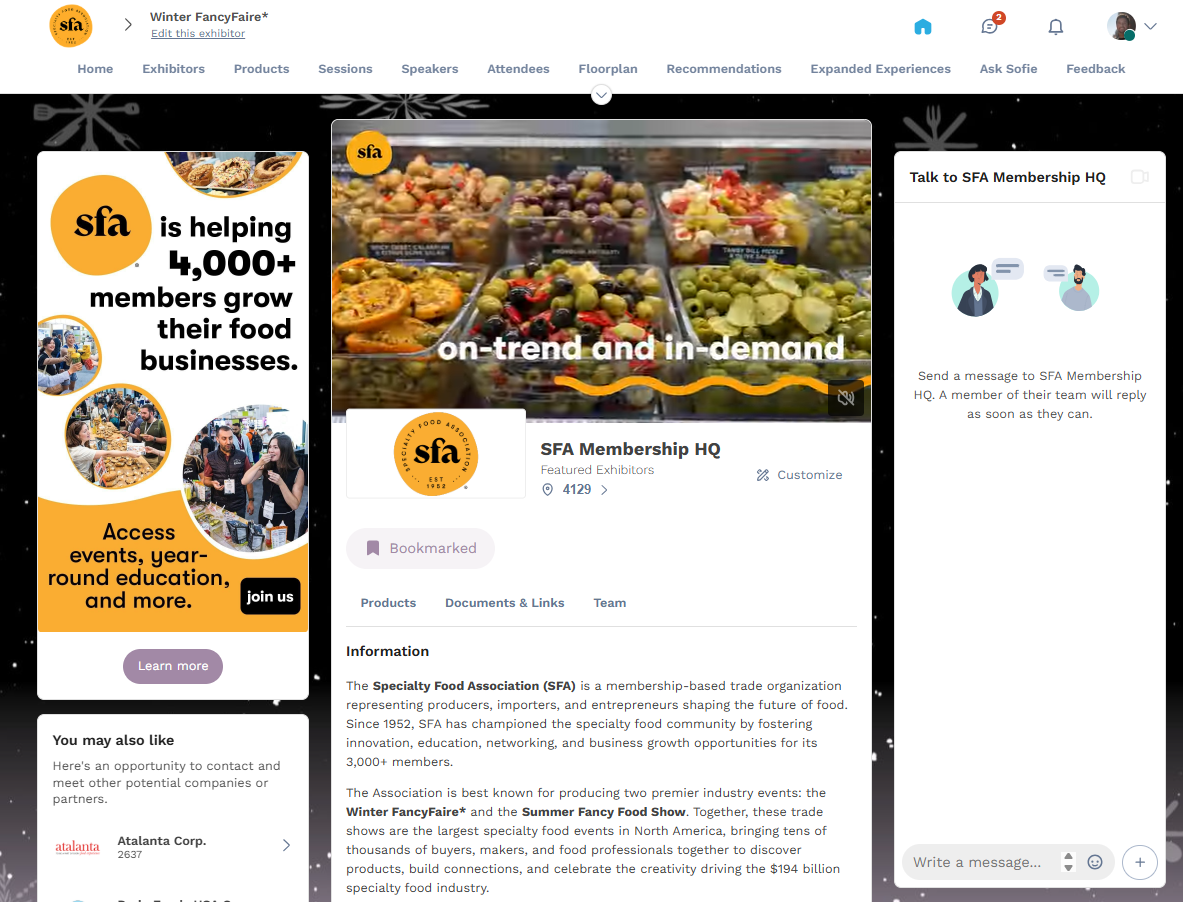
This is your public-facing company profile within the show app - it's your virtual booth. Network, book meetings, add products, and be found.
- Log in: Click here
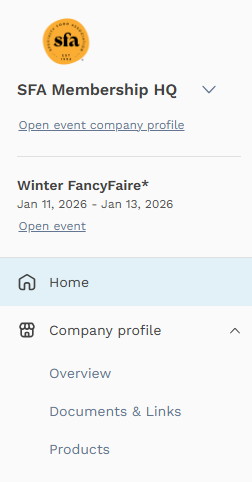
- Brand your page: Add/update logo, add header image, background image, and social media accounts
- Add contact details
- Showcase your products: Add the products you’ll be showcasing onsite, including up to 20 images, so buyers can find them before, during, and after the show.
- Add documents: Add white papers, videos, URLs, and more to enhance your brand and give buyers more ways to connect.